Pinterest Strategy for Substack Writers to Get More Readers
If you are a Substack writer and you’re looking for more readers organically, Pinterest is a way to drive traffic to your Substack. How do you make pins for your Substack articles when your titles aren’t exactly search-friendly? There is a Pinterest strategy for Substack that still optimizes for both platforms, and we’ll cover it in full today.
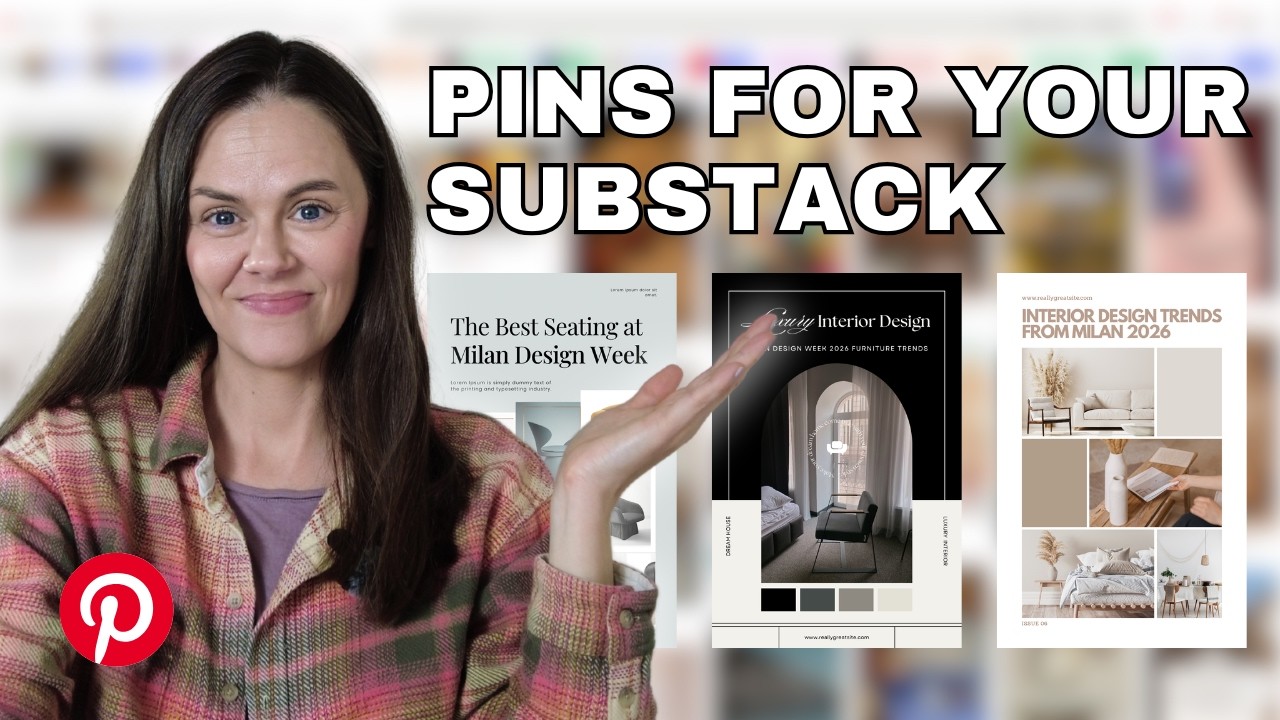
Pinterest is a search engine, not social media. It remembers content for years, if you publish it the right way. So, how do you bring the Substack vibe into an ecosystem that is built for people who are searching for things? I have mocked up some examples for a Substack article that I found today that I think is a perfect fit.
Process overview of Pinterest strategy for Substack
I’m going to walk you through a mini framework and show you exactly what to do with the pins once you have them created. We’re going to cover:
- Find a keyword for your article.
- Write search-friendly headlines.
- Make Pinterest pins with those headlines.
RELATED: The Complete Pinterest Marketing Strategy I Tell My Friends
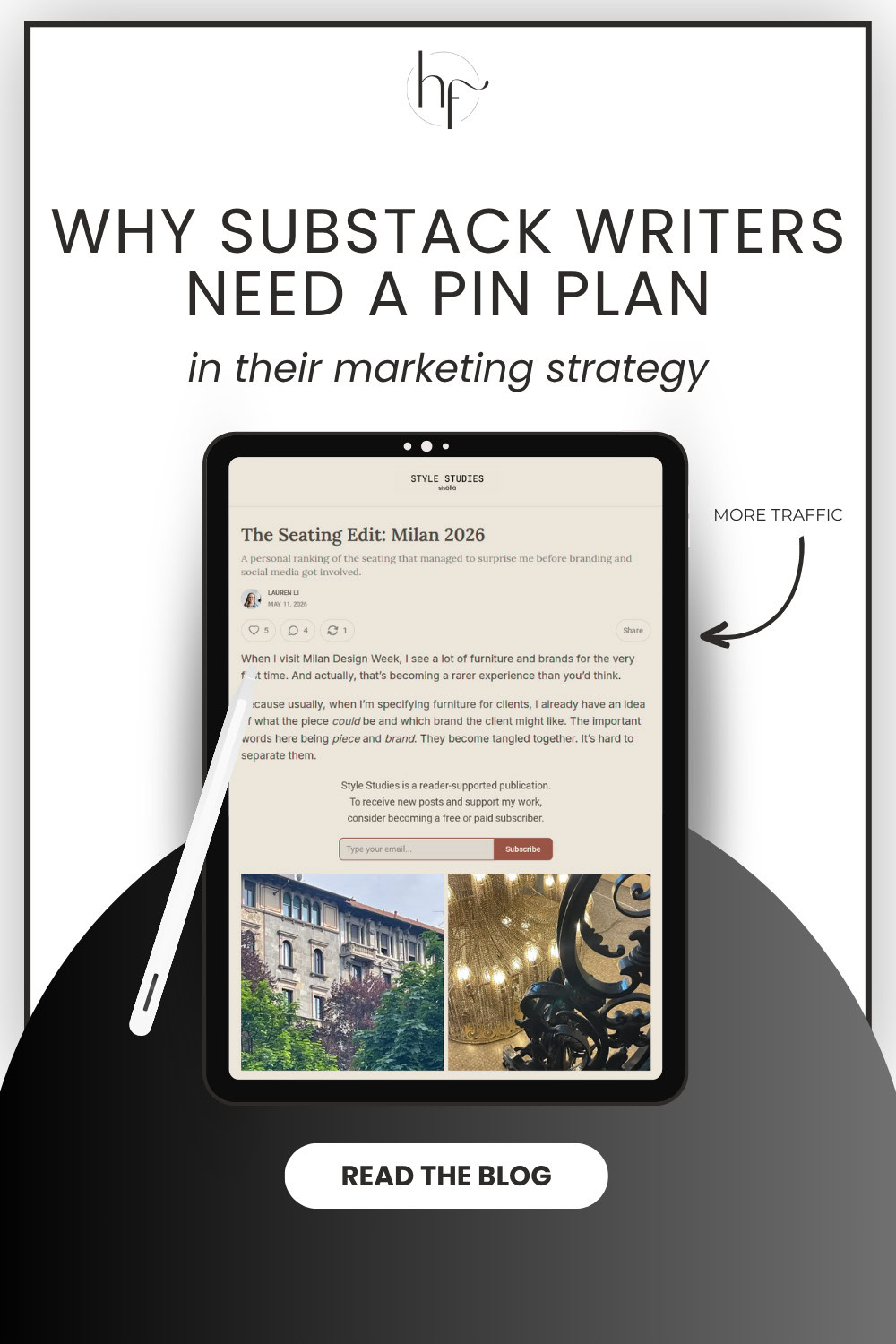
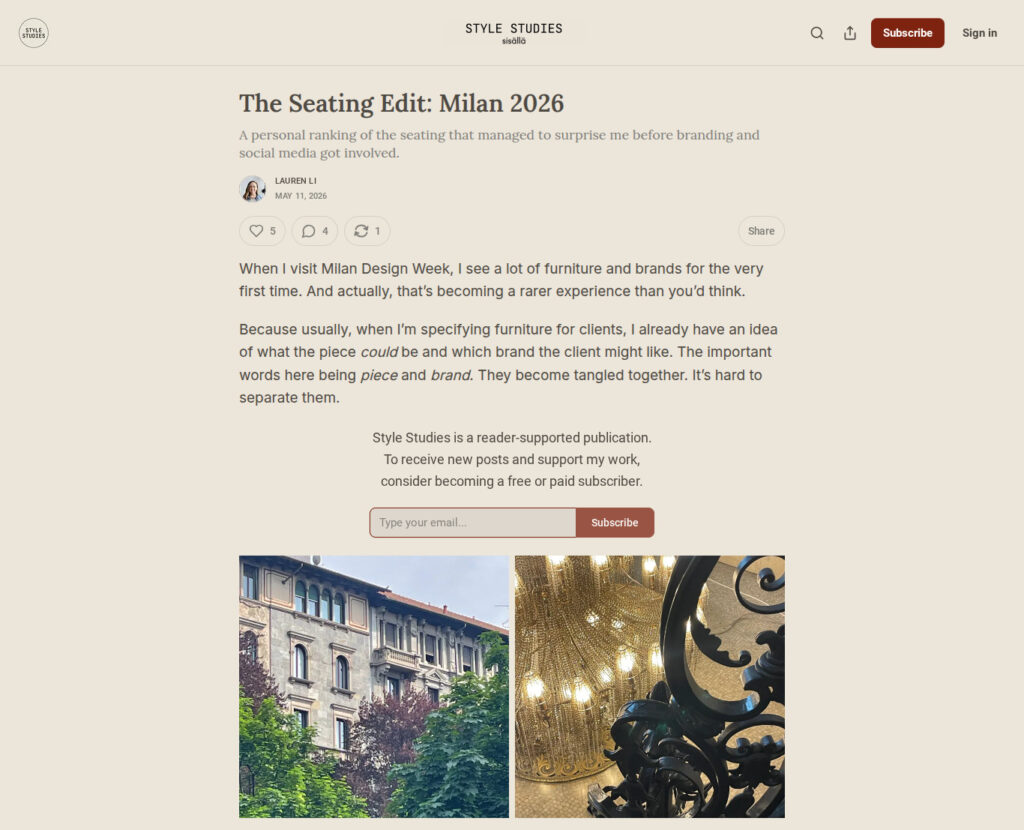
Substack Article Example: The Seating Edit – Milan 2026
Okay, so we’re looking at this post that I think is a really good fit for Pinterest. It’s about interior design, style, furniture, and what’s happening at Milan Design Week. This is awesome because this topic actually happens to be a featured board from Pinterest on the platform, because they are all-encompassing in these sorts of events.
The article goes into what this writer thinks is going to become trendy, or sought-after pieces of furniture in the design space. This would be a really good fit for Pinterest because people are looking for this kind of thing, home decor, designing spaces, and all those things.
Interior design, including picks for styles and furniture, were part of the Pinterest Predicts report for 2026. If this writer were to drive traffic using Pinterest to her Substack, she’d be catching a big trend that’s currently underway. So if I were her, this is what I would do.
RELATED: Pinterest Predicts: Must Have Marketing Plan Trends
Starting your framework with these questions
When you begin, you need to ask a few questions to properly approach your Pinterest content the best way. Ask yourself:
- What would someone be searching for if they were looking for an article like this?
- What problems does this article solve?
When you are taking a Substack article that may not be search-friendly, you’re turning it into a search friendly piece of content for a platform like Pinterest.
RELATED: How to Claim Your Substack on Pinterest and Create a Strategy
Using specific elements as solutions
Though this article featured the Milan event, I would tweak everything created for Pinterest with what else is in the writing. They feature different chairs so we can use that for the majority of users searching for furniture and not necessarily the event.
- Designer armchairs
- Luxury sofas
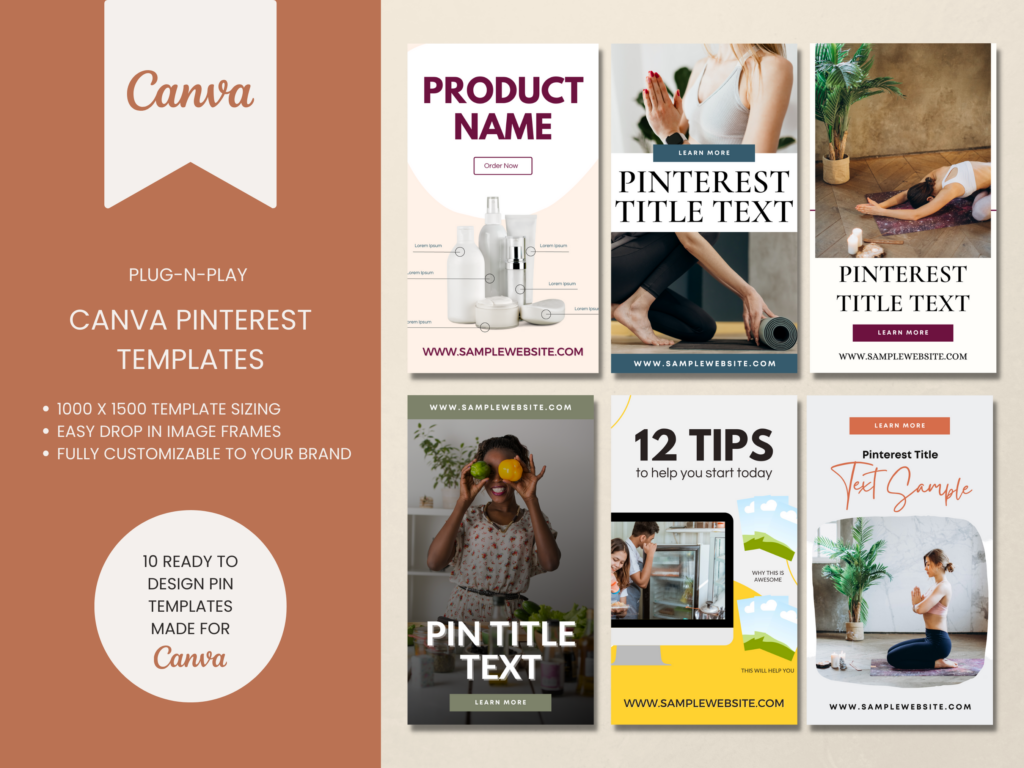
Video or Content Pinterest Templates
If you want traffic don’t rely on something just whipped up! Speed up your pin creation by using templates to get more pins out faster and more often.
These Pinterest templates are great for video content or blog posts & are ready to go. You can start creating pins on Pinterest in minutes.
You also have to remember that you don’t want to just repeat your article title on the Pinterest pins either. A pin titled “Milan 2026” or “The Seating Edit” doesn’t make sense here. The pin should describe what’s inside the article, but it should be in a search-friendly way, etc.
- How to know what makes designer armchairs
- Where to find luxury sofas
- Seating trends in 2026
- Best new seating designs
- Milan design furniture trends
Those are kind of a mix of what the keywords could be and write headlines around them. The Pinterest strategy for Substack is embedded deeper this way into writing pin titles for the different kinds of pins you’ll be making.
RELATED: How to Write Pin Titles on Pinterest That Make People Want to Click
What your pins should include when scheduling
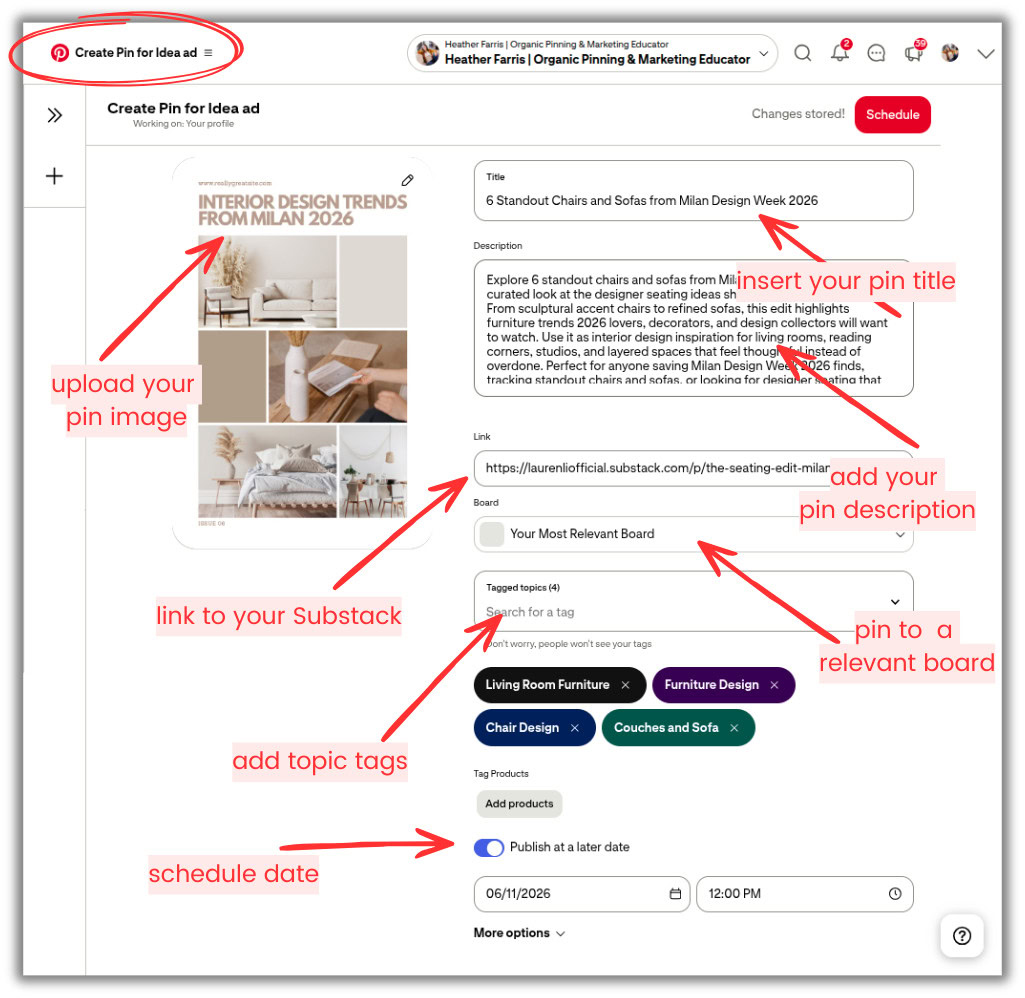
I’m going to show you what you need to publish your pins, and we’ll use the native Pinterest scheduler that’s free. For some reason they call it “Idea pin builder” and it says ‘Create Idea pin ad’, but that’s not what it actually does. You’re not making an ad or even an Idea pin (those were retired years ago). But trust me, it’s correct and has all the options that the other pin builder does not. Here’s what you’re going to do:
- Go to https://www.pinterest.com/idea-pin-builder/.
- Upload your Substack pin image you’ve created.
- Enter all your pin details and don’t leave anything out.
- Pin title
- Pin description
- Substack URL that links to your article
- Select which board it will pin to.
- Add relevant tags for the same topic.
- Then schedule it for the date you want it published.
A few key points to remember as well. You must include that main keyword that we’ve talked about. It should also include imagery that is of what you’re talking about. So for this Substack writer, if they have photos from that event, they could use those creative assets to put into the pin, so people can see what’s on the other side.
You should have your logo or your website name somewhere on these Pinterest pins too. A call to action, like “Read more” is very helpful too, but not always necessary. Say you’ve made 3-5 pins for this article, like a few different options I created below, schedule those out over the next month or so, maybe a week in between them.

RELATED: Schedule Your Pins for FREE using the Native Pinterest Scheduler
Last thoughts on creating a Pinterest strategy for Substack writers
The process here is pretty streamlined considering there are so many different website formats and types of pins that you could make for each article you write. Substack is definitely a growing platform, and you can treat marketing to it just like a blog in many ways. So that’s how to create your Pinterest strategy for Substack writers.
If you’re looking to write on Substack long term, and develop strong organic traffic to it, then Pinterest could definitely be a place for you. If you’re looking for more Pinterest strategy, tips on design, keyword research, boards, etc., you can join us inside of Pin Profit Academy. Inside you’ll find every template, workflow, and system you need to carry out a successful Pinterest marketing strategy for your entire business. See you inside!

Pin Profit Academy
Marketing can be difficult and trying to figure it out on your own, especially with Pinterest, can be overwhelming.
I will show you how to double your traffic and sales without spending another minute on social media!
PPA is the only comprehensive membership program & community for creating, marketing & selling your products & services using Pinterest.
Pin it for later
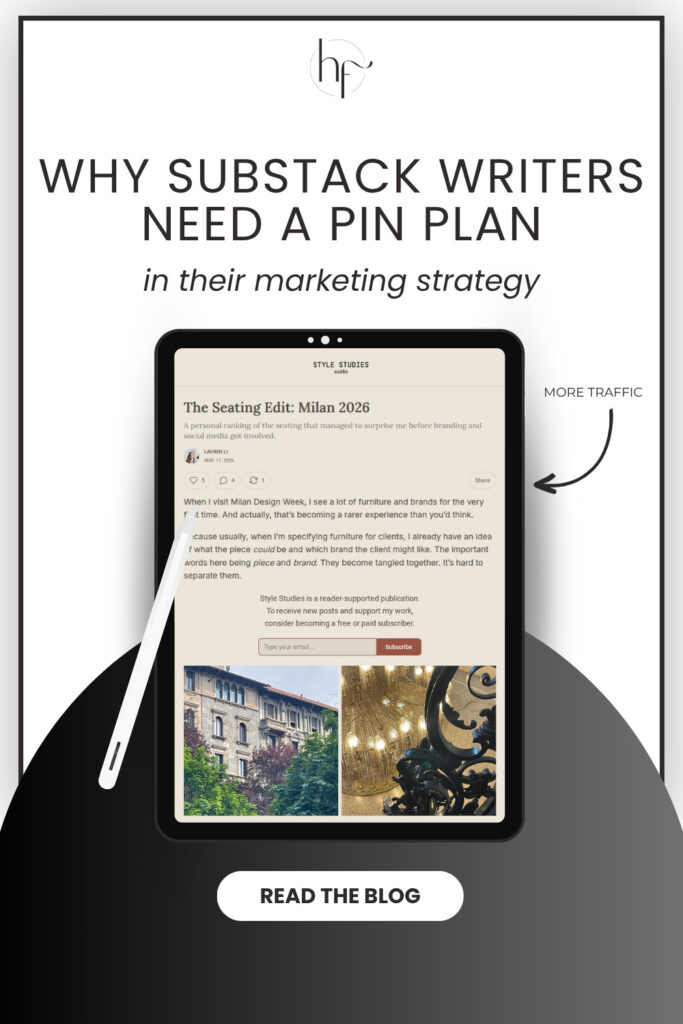

Heather Farris went to school for accounting and worked for years in banking and finance. After finding all of that entirely too boring she started her first blog in her basement in August of 2016. She has started 3 blogs in the marketing, motherhood and travel niches and used Pinterest to grow them all. She quickly became the go-to Pinterest strategist in her peer circles and has been implementing strategies, driving traffic and sales through organic and paid tactics for her clients. On this blog and her YouTube channel, as a renowned Pinterest marketing expert, she educates the public about clear and transparent marketing strategies to help them to grow on Pinterest and in other places online. She created Pin Profit Academy and helps small business owners just like you to master their Pinterest marketing strategy. Heather is now a Pinterest Educator, one of the very few sponsored by Pinterest.