


Why Create Fresh Pins for Pinterest Using Canva
Are you wondering how to create pins for Pinterest using Canva? Maybe you’re wondering what the heck fresh pins are and how they impact your marketing. When you create fresh pins for your blog posts you’re giving them new life and you’re scratching the back of the platform you want to rank on.
As much as you want to continue to focus on other things in your business you have to stop putting Pinterest on the back burner. I promise you once you stop putting it on the back burner you will start seeing results. But before you can ever see those results you have to start…
- Start creating pins
- Start scheduling pins
- Start reading your analytics
You have to start actually implementing a consistent strategy so you can see the results you want to see with these best practices we’ll talk about in today’s post.
RELATED: The Complete Pinterest Marketing Strategy I Would Tell My Friends
Why you should create fresh pins
You should be creating fresh pins for your blog posts because Pinterest wants fresh content. More and more users are coming on the platform and I can’t tell you how annoying it is to see the same crap over and over.
So you create fresh pins and allow Pinterest to put them in front of the audience you’re wanting to go after. You can have many pins for the same URL because the images, pin title, and descriptions can all be unique, thus a new piece of content Pinterest won’t despise against for having the same link.
The other reason I think it’s important to create fresh pins is because different colors, fonts and imagery attract different people. Simply put, different people see different things. You could have a subset of your audience that enjoys a partition of what you create, while another segment likes a slightly different look.
Branding looks evolve over time and you may have a big hit with a new design even if it’s going to an evergreen or older piece of content.
RELATED: How Often Can You Pin the Same URL to Pinterest Without Being Spammy?
What is Canva?
Since this post is also teaching you how to create Pinterest pins using Canva it’s only natural we talk about this platform. I always recommend creating pins for Pinterest using Canva because it’s is a design tool that you can use to create any image, PDF, presentation that you could ever want. There are so many templates inside this tool that you are going to love it.

You can even create video pins or insert video into almost any time of design as well. Which is vital for creating video pins too. You don’t have to be a graphic designer to understand Canva, it’s made for simplicity while not losing any of the versatility possible when you’re creating something.
RELATED: How To Make Video Pins For Pinterest With Canva
What makes a pin image click-worthy
First thing, click-worthy Pinterest images are pins that stop the scroll and peak interest for the viewer in a variety of ways:
- the design makes the viewer stop scrolling
- they stand out because of the good color and font contrast
- they’re clear with the text overlay so it’s clear what you can expect if you click on it
- the images are sharp and clean
- the pin as a whole is easy to read and understand
I encourage my students to study their own feeds. What are you pinning or clicking on? Is there a theme with colors, fonts or images that you gravitate toward? Take note of those themes and let those guide your own pin creation process.
RELATED: How to Get More Clicks on Your Pinterest Pins
Tips before you create pins for Pinterest using Canva
You can create pins for Pinterest in Canva so quickly… in fact, in the video that goes with this blog, I created 5 fresh pins for 1 post in roughly 8 minutes.
I can create them much quicker if I weren’t filming a tutorial but that’s alright! As you get started, my biggest tips for you is to:
- Focus on ONE url when you are creating a batch of pins so you can get them done quickly.
- Do your keyword research ahead of time so you can quickly whip up the text overlays.
When you are thinking about creating pins for Pinterest using Canva, don’t think about absolute fancy pins for each version. I would suggest using Canva templates to help guide you if you don’t want to create multiple variations from scratch. It’s easier to just plug and play with templates especially for those of us who may not be natural designers.
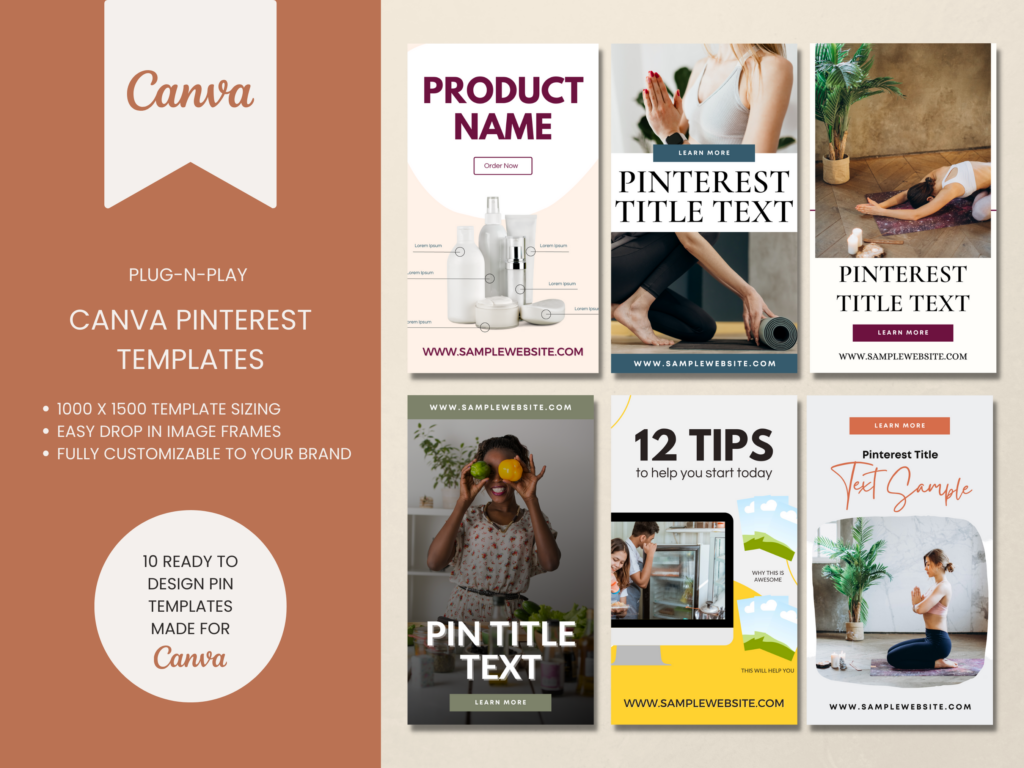
Easy Pinterest Pin Templates
If you want traffic don’t rely on something just whipped up! Speed up your pin creation by using templates to get more pins out faster and more often.
These Pinterest templates are great for video content or blog posts & are ready to go. You can start creating pins on Pinterest in minutes.
Creating fresh pins for Pinterest using Canva
Here are a few things you can switch up and out when creating your different pin variations.
- Text overlays
- Background images
- Filters & color blocks
- Font styles
Don’t be afraid to create ONE pin template and swap out the background and change the color blocks to make different variations of that pin. This can be cut and sliced in so many different ways. Just remember it’s better to create something fresh than to re-pin the same old stuff.
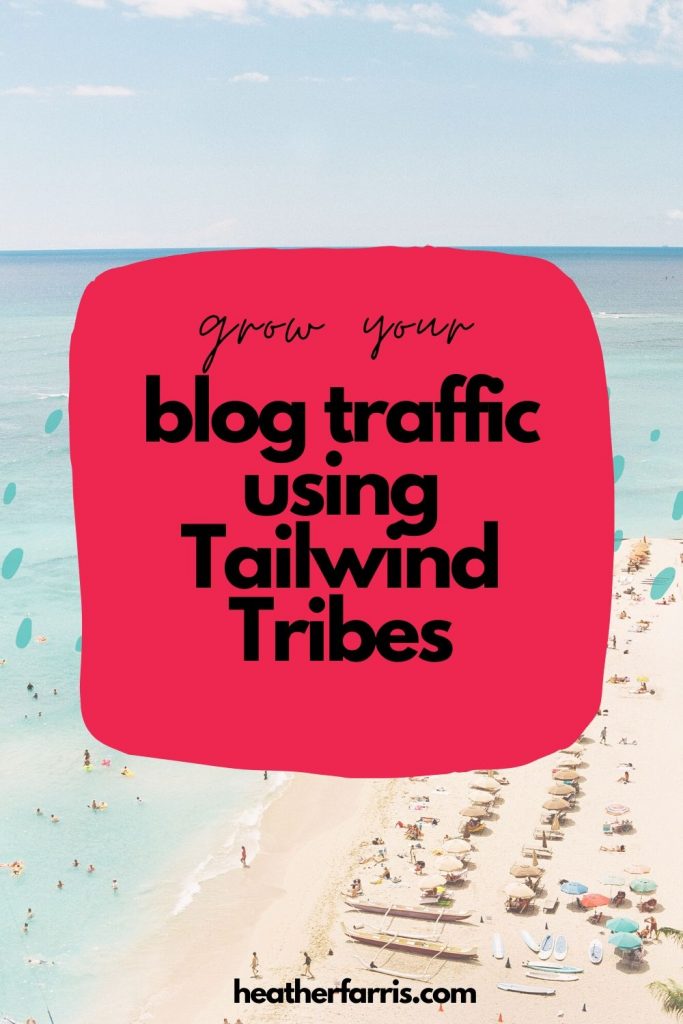
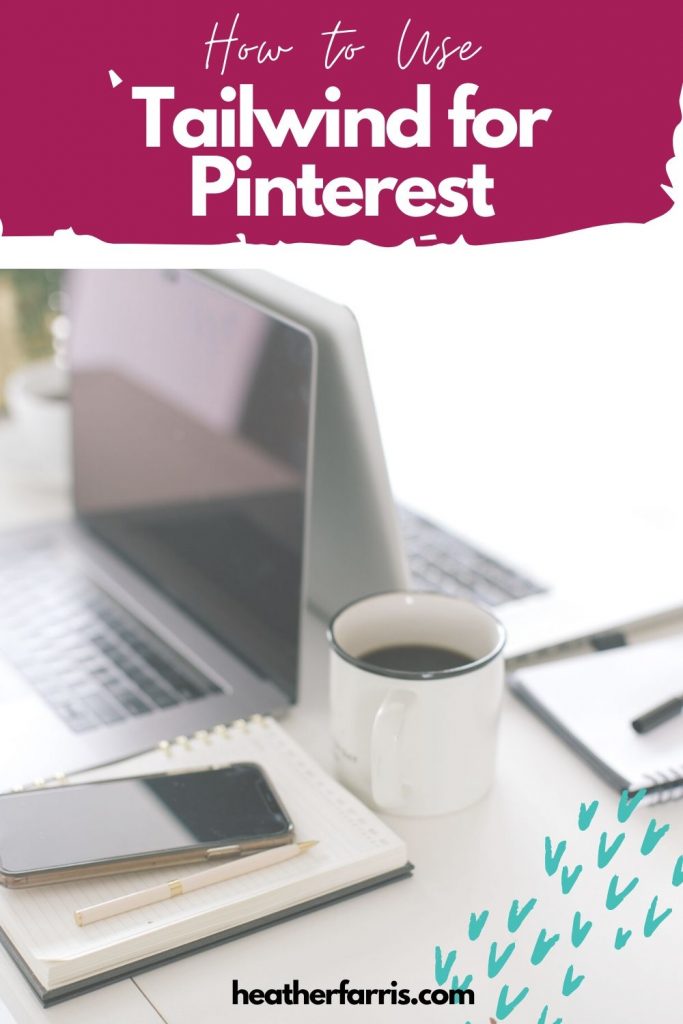
Here are the examples of the 5 fresh pins I created in the video tutorial above. They all go to the same blog post and they were all created in under 8 minutes.

What you should create Pinterest pins for
Everything. If it has a URL and it’s not a legal page on your site then you should create pins for it. You name it and you create pins for it.
- Blog content
- About pages
- Service pages
- Course pages
- Sales pages
- Landing pages
- Lead magnets
Obviously, don’t create pins for your protected content that you want to only share with an opt-in or a paywall, but you can lead to the opt-in URLs to get viewers in your funnels that way.
RELATED: 7 Ways to Generate Content Ideas Even When You’re Not Feeling Creative
Final thoughts on creating fresh pins for Pinterest using Canva
Creating fresh pins for Pinterest using Canva doesn’t have to be complicated, especially when you use Canva to streamline the process. By designing new, visually engaging images for your existing links, you can boost visibility, attract new audiences, and stay in Pinterest’s good graces.
Remember to vary your pin design, test different fonts and colors, and keep your brand visuals consistent. With these simple tips, you can easily keep your Pinterest content strategy fresh, effective, and growing over time.
If you’d like to go deeper and master every part of your Pinterest strategy for your small business, join us in Pin Profit Academy and receive even more support from me personally as well. See you inside!

Pin Profit Academy
Marketing can be difficult and trying to figure it out on your own, especially with Pinterest, can be overwhelming.
I will show you how to double your traffic and sales without spending another minute on social media!
PPA is the only comprehensive membership program & community for creating, marketing & selling your products & services using Pinterest.
Pin It For Later


Heather Farris went to school for accounting and worked for years in banking and finance. After finding all of that entirely too boring she started her first blog in her basement in August of 2016. She has started 3 blogs in the marketing, motherhood and travel niches and used Pinterest to grow them all. She quickly became the go-to Pinterest strategist in her peer circles and has been implementing strategies, driving traffic and sales through organic and paid tactics for her clients. On this blog and her YouTube channel, as a renowned Pinterest marketing expert, she educates the public about clear and transparent marketing strategies to help them to grow on Pinterest and in other places online. She created Pin Profit Academy and helps small business owners just like you to master their Pinterest marketing strategy. Heather is now a Pinterest Educator, one of the very few sponsored by Pinterest.










Thanks for such easy to follow, clear advice Heather. You’re so right about Pinterest being something we have to take off the back burner – and understanding how to create new pins for old content, will really help!
Sarah, Thank you so much! One thing I really enjoy doing lately is figuring out new ways to give that old content life again. And you’re right at some point we have to take the thing off the back burner and DO IT.