


How to Tag Products on Pinterest and Make Money With Your Pins
How do you tag products on Pinterest? In today’s post, I’m going to walk you through exactly how to tag products you sell in your own e-commerce store. If you’re an affiliate marketer, I’m going to show you how to tag affiliate products too. So let’s get right to it.
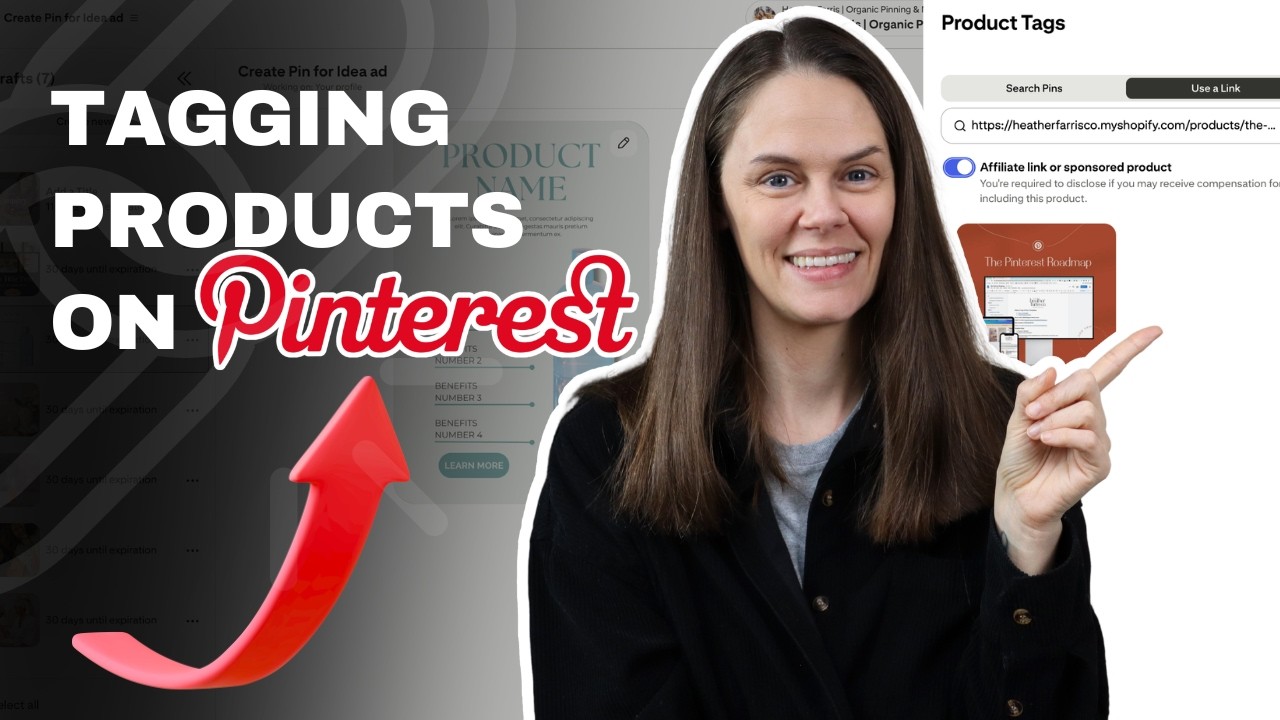
I have an example set of Pinterest pins, and I’m going to upload those into Pinterest and show you exactly:
- how you can tag products in your Pinterest pins
- what the tags actually look like once the product pins are posted,
- and the benefits as to why you might consider doing this going forward.
RELATED: Pinterest For E-Commerce: Pinning Tactics for Product Sellers
Prep work and process tools to help
Now, as we get started, a reminder to create all of your pin images and all of your pin copy prior to scheduling. I always recommend this because you can copy and paste much faster if you’ve streamlined this process in bulk.
I use my Pinterest System spreadsheet to track and house all of my links, titles, pin descriptions, and which images go to what and when, all in one place. I’ll have all of that meta in my spreadsheet before I go to schedule my product pins (or any pins at all) to make it so much faster.

The Pinterest System
Speed up your client management processes and personal Pinterest marketing strategy with every content workflow and tracking system you need.
Track and manage your content, links, data analytics, keyword research and more! No more wasted time in your product or service business because you’ll have everything you need.
RELATED: How to Bulk Schedule Pins on Pinterest for FREE
Can’t tag products on Pinterest after publishing
As a reminder, in case you were not aware, if you have product pins that are already published on Pinterest, chances are you cannot go back and tag them later. There is some sort of disconnect on the Pinterest platform where we are no longer able to do this after the fact. I really still cannot figure out if it’s just a me problem, or if it’s a Pinterestwide problem.
So knowing that, just go into your process of publishing product pins by tagging them in real time. That is the only time you’ll be able to do this, because for now, we can’t go back to tagging products on Pinterest later.
Using approved third-party Pinterest tools
If you use another Pinterest scheduler, they do not have the ability to add additional product tags. This process must be done with the native Pinterest scheduling tool. If you prefer using a different scheduler, you only have one option to still make this process happen.
You can keep using your scheduler for all your pins you don’t plan on tagging products with, then use the Pinterest pin builder just for product pins. Depending on your work flow, figure out the timing that works best. Maybe you schedule product pins one week, and regular content the next so you don’t mix up platforms.
RELATED: I Tested Pinterest Approved Schedulers So You Don’t Have To
Uploading a bulk set of pins for scheduling
You can drag into the Pinterest pin builder up to 10 images at a time and it will create all of the drafts for you. If it’s tricky knowing which pin image goes with which meta info, here’s what I like to do to keep everything straight, so it’s much easier when scheduling.
I will number my Canva files and then note that in my Pinterest System spreadsheet. I will also have all of the following open simultaneously. If you’ve got an extra wide screen or double monitors, have them all open in separate windows.
- the original Canva design files
- my Pinterest System spreadsheet
- the Pinterest pin builder scheduling tool
- Shopify (or any e-commerce shop) storefront with products

This way, you don’t accidentally paste the wrong pin title or URL, or anything, into the scheduler with the wrong pin image. I still recommend doing this in bulk, but don’t get your stuff mixed up or your keyword and SEO optimization will obviously be flawed.
RELATED: How To Use Canva Bulk Create With ChatGPT To Speed Up Your Pin Designs
How to tag products on Pinterest
For each product pin, enter all of your data (title, description, etc.) but here’s how you tag the products specifically. In your URL box, enter the primary link that goes to your product. But then you have to add additional URLs to tag your product again in order to tell Pinterest, “Hey, this is actually a product.”
At the bottom, click ‘Tag products’, then ‘Use a link’. Enter your product URL again from your store. Then it will be added on the main pin builder page. If you have multiple products on your pin, like with a comparison pin, you can add up to 4-5 additional product tags the same way.

Then when someone clicks on your pin for more info, your product links and images with them will also show up for the viewer. It’s a built in call-to-action showing exactly where the products are that can be seen on the pin.
RELATED: How to Increase Pinterest Pin Clicks With a Strong Keyword Strategy
How to tag affiliate products on Pinterest
Now, let’s say you are an affiliate marketer and you’re making Pinterest pins for affiliate products. Pinterest fully allows this as long as you disclose the affiliate link (I’ll show you how), and the link is direct, not a pretty link that reroutes.
You’re going to paste it in the same way as a product link. But before you select the image that comes up for your tagging, you have to toggle ‘ON’ the affiliate link option. Once that’s on, then click your image to tag the product. Then the disclosure is taken care of by Pinterest for you.
RELATED: 3 Simple Yet Effective Affiliate Marketing Strategies for Pinterest
What product tagged pins look like on Pinterest
Here is how a product pin that’s tagged looks different that a basic pin. When you have a pin without any product tags, clicking open the pin doesn’t offer anything more. Pinterest fills the space with promoted pins, competitors with the same keywords, and related pins based on interest.
Now, with the second pin in my example below, you can see a big white box next to the pin that has a single product inside of it. That is because I tagged this pin with a product from my shop. This is how all product pins will look no matter if they’re affiliate, digital, physical, lead to Shopify, Etsy, doesn’t matter.

RELATED: The Ultimate Pinterest Traffic Strategy for Bloggers & E-Commerce Shops
Benefits of product tagging
Of course, I want you to continually tag products on Pinterest. But in case you need to understand the benefits of doing this, here are all the reasons why to just paste and click a few more times while publishing your product pins.
- Pinterest categorizes your pins additionally for pinners that are shopping or specifically looking for a product to buy
- You claim more digital real estate space in the Pinterest feed that’s the first thing a viewer sees.
- Your links are essentially duplicated so there are more options for them being clicked.
- This can even apply to blog post pins that mention products!
Oh, did I mention? You should tag products on Pinterest pins that even lead to blog posts. So the main URL is for your blog post, but if you mention X, Y, Z, products in that post, add those product links to the same pin. Don’t abuse it, it needs to make sense, but it’s leverage too.
RELATED: How to Create a Pinterest Strategy for Travel Bloggers
FInal thoughts on how to tag products on Pinterest
Product tagging on Pinterest is one of those small shifts that can create outsized results. When you start tagging your products and affiliate links directly inside your pins:
- you claim more visual space
- reduce competitor distractions
- increase visibility, and
- make it easier for your audience to take action.
Instead of sending traffic into a crowded feed, you’re guiding pinners straight to what you want them to see and click. Over time, that added control and clarity can mean more traffic, more conversions, and more consistent revenue from the content you’re already creating.
If you’re ready to go deeper and build a Pinterest strategy that’s designed for growth and profit, join Pin Profit Academy and start turning your pins into powerful income-driving assets.

Pin Profit Academy
Marketing can be difficult and trying to figure it out on your own, especially with Pinterest, can be overwhelming.
I will show you how to double your traffic and sales without spending another minute on social media!
PPA is the only comprehensive membership program & community for creating, marketing & selling your products & services using Pinterest.
Pin it for later


Heather Farris went to school for accounting and worked for years in banking and finance. After finding all of that entirely too boring she started her first blog in her basement in August of 2016. She has started 3 blogs in the marketing, motherhood and travel niches and used Pinterest to grow them all. She quickly became the go-to Pinterest strategist in her peer circles and has been implementing strategies, driving traffic and sales through organic and paid tactics for her clients. On this blog and her YouTube channel, as a renowned Pinterest marketing expert, she educates the public about clear and transparent marketing strategies to help them to grow on Pinterest and in other places online. She created Pin Profit Academy and helps small business owners just like you to master their Pinterest marketing strategy. Heather is now a Pinterest Educator, one of the very few sponsored by Pinterest.









