


How to Make Carousel Pins on Pinterest in 2 Easy Ways
Want to know how to make carousel pins on Pinterest? Today, I’m going to show you how to do it in two different ways. I’m going to talk about the benefits and limitations of each way so you can decide what works best for you and your business with your Pinterest marketing strategy.
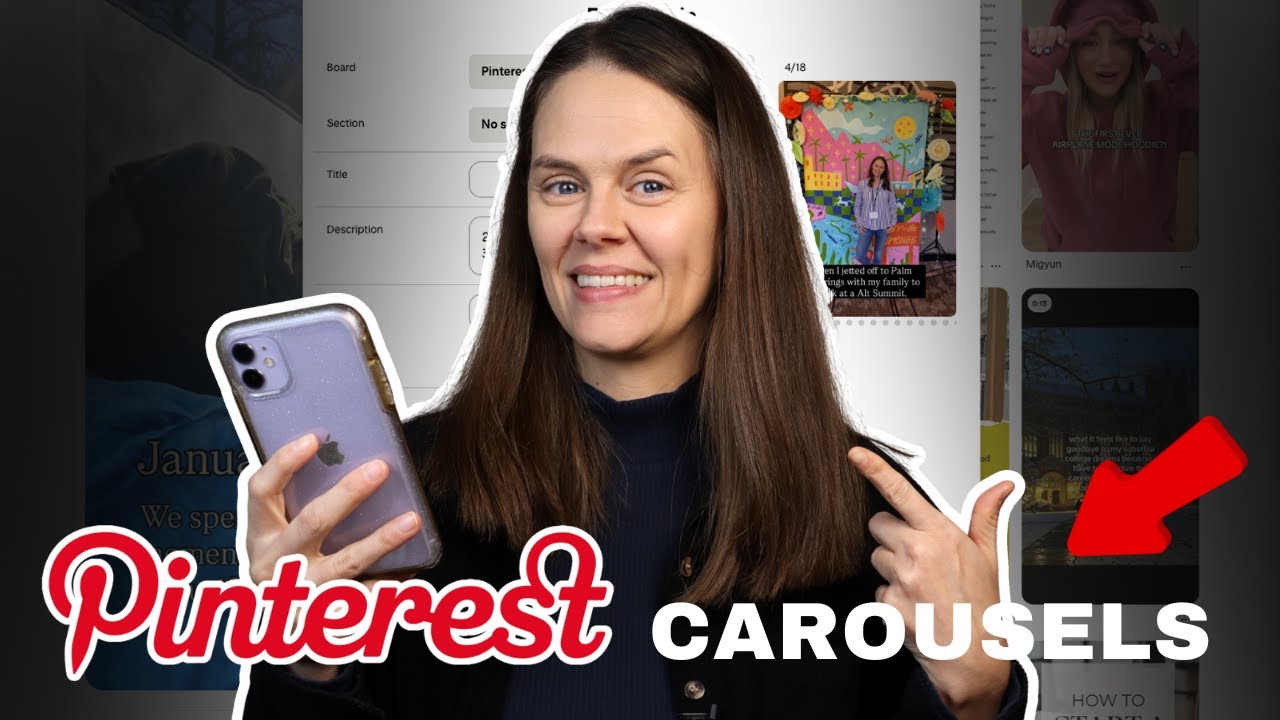
The two ways are to do it: natively right on Pinterest itself, or to use the Instagram autopublishing feature. I’m going to show you what each of those look like today.
Making carousel pins on Pinterest itself
You don’t have to pay extra or use a third party tool to publish carousel pins. You can make a carousel post right on the Pinterest platform itself. You’re going to go to the menu in the top left-hand corner and go to “Create Pin”.
Once you are there, drag and drop the images that you want to make into a carousel. You have to drag them all in at the same time, and then you’ll notice there are two options on the screen.

You’re going to choose “Create a carousel”, and then click “Create pin”. Then you’ll notice a little plus sign after the little dots in the corner of the pin. If you click the plus sign, you can upload up to five images to a carousel natively on Pinterest.

RELATED: Schedule Your Pins for FREE using the Native Pinterest Scheduler
Limitations of native carousels
Number one, you’re limited to five pages (files) when you upload with the native pin scheduler. Number two, you cannot mix videos and static images as separate pages inside of one carousel post. So those are your main limitations for carousels directly on Pinterest.
Publishing carousel pins on Pinterest with the native scheduler
Include all of your details for each image or video in the carousel.
- Add your title
- The pin description
- Destination URL link
You can uncheck the box if you want each page to have a different destination link. For example, if you sell lipstick and are showcasing four different shades in your new collection, each of those slides can have its own individual link if you would like to. You can link that straight to the shopping page or product listing on your website.
RELATED: How to Use Keywords to Optimize Your Pins on Pinterest
Carousel limitations on mobile
You can create carousels on mobile too, but it does not work the same with Instagram cross posting versus natively Pinterest posting. Your Pinterest pins will not turn out to be an actual carousel pin. They will turn out to be a video.
You can mix images and videos together and create a multi-slide pin on Pinterest, but it doesn’t become a carousel if you’re on mobile. Even if it is multiple images and/or video all put together, the Pinterest app will tell you at the bottom that all of your slides will be combined to make one video. That’s the limitation if you are using your mobile device.
RELATED: How to Make Pinterest Video Pins in 3 Easy Ways (No Filming or AI)
Creating carousel pins through Instagram
Let’s talk about Instagram. If you create a carousel post for Pinterest that’s published first on Instagram, it seems counterintuitive. However, it does give you more functionality. You can publish up to 20 pages in a carousel on Instagram. You can combine both video and images in one carousel post, which is great.
Once it comes through to Pinterest with the autopublish functionality, Pinterest will import all that content the exact same way it lives on Instagram. After the post hits Pinterest from Instagram, you can edit the pin, change the URL, add a title, and update the caption to be a Pinterest-friendly, keyword-rich description.
The link will automatically go to your homepage of your claimed domain, but all of those individual pages can have different links on them. You can edit that pin and change all of those links. I highly recommend that you do.
RELATED: How to Autopublish Instagram to Pinterest (New Massive Update)
Video or Content Pinterest Templates
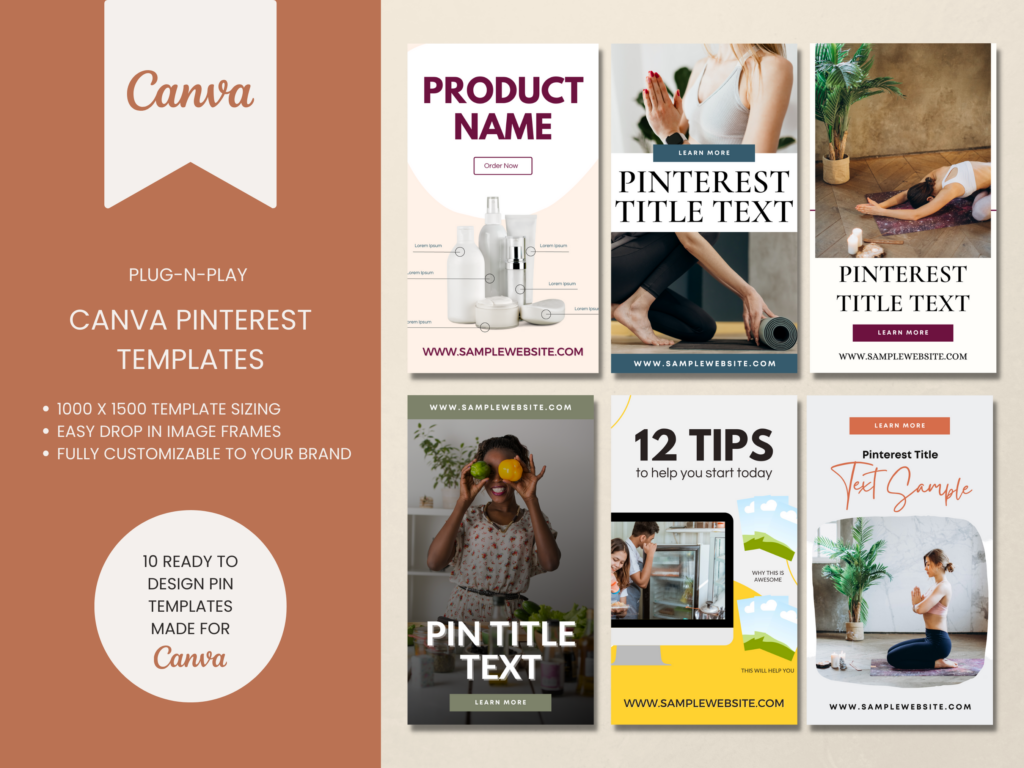
If you want traffic don’t rely on something just whipped up! Speed up your pin creation by using templates to get more pins out faster and more often.
These Pinterest templates are great for video content or blog posts & are ready to go. You can start creating pins on Pinterest in minutes.
Marketing strategy with carousel pins on Pinterest
Now that you’ve seen how to make carousel pins on Pinterest in two different ways, let’s talk about the mindset and strategy around this. Some key things to make sure you incorporate:
- Educational content
- SEO optimization
- Product ideas
Pinterest really loves several types of content when it comes to your strategy. They love educational content. Pinterest audiences love to learn: how to cook, clean, organize, decorate. There are many ways you can present carousels on Pinterest in the form of education.
You need to also approach this from an SEO framework. I want you to do this no matter what kind of content you create. SEO means each slide is very searchable and incorporates a main keyword found on Pinterest that can be indexed.
RELATED: Pinterest SEO Strategies: Ultimate Guide to Boost Traffic
Product pin carousel ideas
The last strategy I’ll touch on is product-led. If you’re a product seller and want to feature your products, you can certainly incorporate those into a carousel post. Each page could have the same link or a different one.
All of this, despite the content strategy, should drive off-platform action and on-platform engagement: pin clicks, saves, outbound clicks, signing up for your email list. Unlike Instagram, you want the click.
RELATED: Pinterest For E-Commerce: Pinning Tactics for Product Sellers
Final thoughts on how to make carousel pins on Pinterest
Creating carousel pins on Pinterest opens new ways to share engaging, clickable content that attracts more attention to your brand. Whether you prefer crafting them directly on Pinterest or using Instagram’s autopublish feature, both options give you flexibility to highlight products, showcase tutorials, or tell visual stories that your audience will love.
By incorporating carousel pins into your Pinterest strategy, you can boost visibility, drive more traffic to your website, and make your content work harder across platforms. With thoughtful design, targeted keywords, and clear links, your carousel pins can become powerful tools for both engagement and conversion.
For next steps in supporting your entire Pinterest marketing strategy, come join Pin Profit Academy. Inside you’ll find every training, method, strategy, and system to support a healthy and profitable small business presence on Pinterest. See you inside!

Pin Profit Academy
Marketing can be difficult and trying to figure it out on your own, especially with Pinterest, can be overwhelming.
I will show you how to double your traffic and sales without spending another minute on social media!
PPA is the only comprehensive membership program & community for creating, marketing & selling your products & services using Pinterest.
Pin it for later


Heather Farris went to school for accounting and worked for years in banking and finance. After finding all of that entirely too boring she started her first blog in her basement in August of 2016. She has started 3 blogs in the marketing, motherhood and travel niches and used Pinterest to grow them all. She quickly became the go-to Pinterest strategist in her peer circles and has been implementing strategies, driving traffic and sales through organic and paid tactics for her clients. On this blog and her YouTube channel, as a renowned Pinterest marketing expert, she educates the public about clear and transparent marketing strategies to help them to grow on Pinterest and in other places online. She created Pin Profit Academy and helps small business owners just like you to master their Pinterest marketing strategy. Heather is now a Pinterest Educator, one of the very few sponsored by Pinterest.









