


Your Pinterest Marketing Guide and Tips for Getting Started
Are you looking for a Pinterest marketing guide that will help you get started with Pinterest? Perhaps you’ve finally realized Pinterest strategy should be part of your marketing. You’re in the right place. Whether you’re just starting out or you’ve been around the block a few times there is something here for you.
Continued focus in every Pinterest marketing guide
Every year, despite any algorithm updates, there are a few stalwart actions that should be in every Pinterest marketing guide and content creation processes.
- Always having fresh pins
- Re-pinning isn’t necessary
- Combating stolen content
- Following the Creator Code
We’ll touch on each of these and then move onto Pinterest best practices for using the platform.
RELATED: The Complete Pinterest Marketing Strategy I Tell My Friends
Always focusing on fresh pins
Fresh pins are new images and from your existing content. You can have many different pins that lead back to the same URL, as long as you’re utilizing the publishing times and content keywords strategically and not being spammy.
Pinterest has said they want creators to continue to produce fresh content and this is important. Even if you have some great older pins still producing views and traffic, having fresh pins even for the same links is powerful. So if you need to reduce the amount of pins in your pinning schedule until you have the workflow in place to create more pins on a regular basis, that’s just fine. Don’t forget to share landing pages, products, affiliate links, your offers, and more.
RELATED: Why Create Fresh Pins for Pinterest Using Canva
Repinning isn’t necessary
Back in the day, re-pinning the same pins (especially popular ones) to many different boards was a growth strategy. Now, Pinterest wants creators to share new content; they are not wanting us to re-pin much at all.
Pinning any pin to a single board, maybe two at the most, is just fine. Going back to old viral pins that still bring you traction, let them keep living where they are. Re-pinning them every month isn’t helping you, it’s creating duplicate unnecessary copies.
We are seeing decreased returns on those repins, and as a result, it’s best to just create new content and new pins. Or better yet, create a great variety of pins to maximize every piece of content you create.
RELATED: How Often Can You Pin the Same URL to Pinterest Without Being Spammy?
Creator Content Claiming Portal
Pinterest has a content claiming portal where you can combat stolen content and pins. To learn more about it click here. Unfortunately, people are still stealing your pins, your videos, and taking all the credit with fake accounts.
Stay on top of reporting what your content is stolen to ensure your brand presence is well perceived and stays high quality. I had this happen to me recently and I had to figure out the whole process myself. Stay ahead of the curve.
RELATED: When & How to File a Copyright Claim on Pinterest
Following the Creator Code
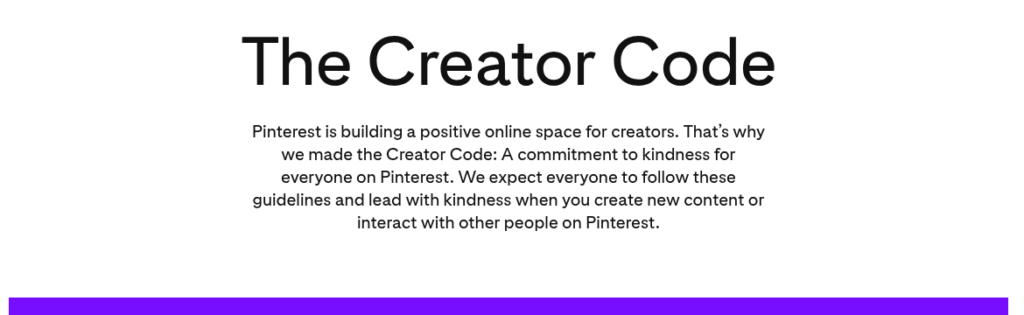
Pinterest is committed to having a platform full of kindness and respect. So their Creator Code is vital for everyone to follow in order for Pinterest to thrive, and for you to put your own well-being first as a creator too. Checkout their guidelines and the details that make Pinterest a much better platform than many others.
Follow Pinterest Best Practices
No matter how much traffic you get from Pinterest you should follow these best practices. This will keep you from getting marked as spam.
- Using Rich Pins
- Claiming your domain
- Pinning consistently
- Creating quality visuals
- Using keywords properly
- Utilizing seasonal trends
Doesn’t matter if you’re account is brand new, or years in the making, with zero traffic, or thousands of clicks a month, all of these things apply to everyone who wants to have a good standing account on Pinterest.
RELATED: How to Avoid Getting Your Pinterest Account Suspended
Rich Pins
Make sure you have a business account if you are promoting any sort of content you intend to make money from. This will give you the opportunity to turn on Rich Pins which will give you a higher quality pin. Rich Pins bring in more details and information from the URL to view on Pinterest. To a viewer, it’s cleaner, more optimized, rich in information and resources, and more likely to get more views and clicks.
RELATED: How to Enable Rich Pins for Your Website (WordPress, SquareSpace & Shopify)
Claim your domain
Claiming your domain gives an extra layer of content to your pins and makes it easier for people to interact with your pins and profile. Plus, it validates who you are and your business to your audience. It’s necessary if you want to cross post from other platforms, and dispute any content theft that’s stolen from you. You can also claim your Etsy, Instagram & YouTube channels as well.
RELATED: How to Claim Your Website on Pinterest
Pin consistently
Make sure you are pinning consistently. Do what you’re able to on a regular basis, whether that’s one pin a day or up to 10 pins a day, stay regular. Part of your strategy must be consistency.
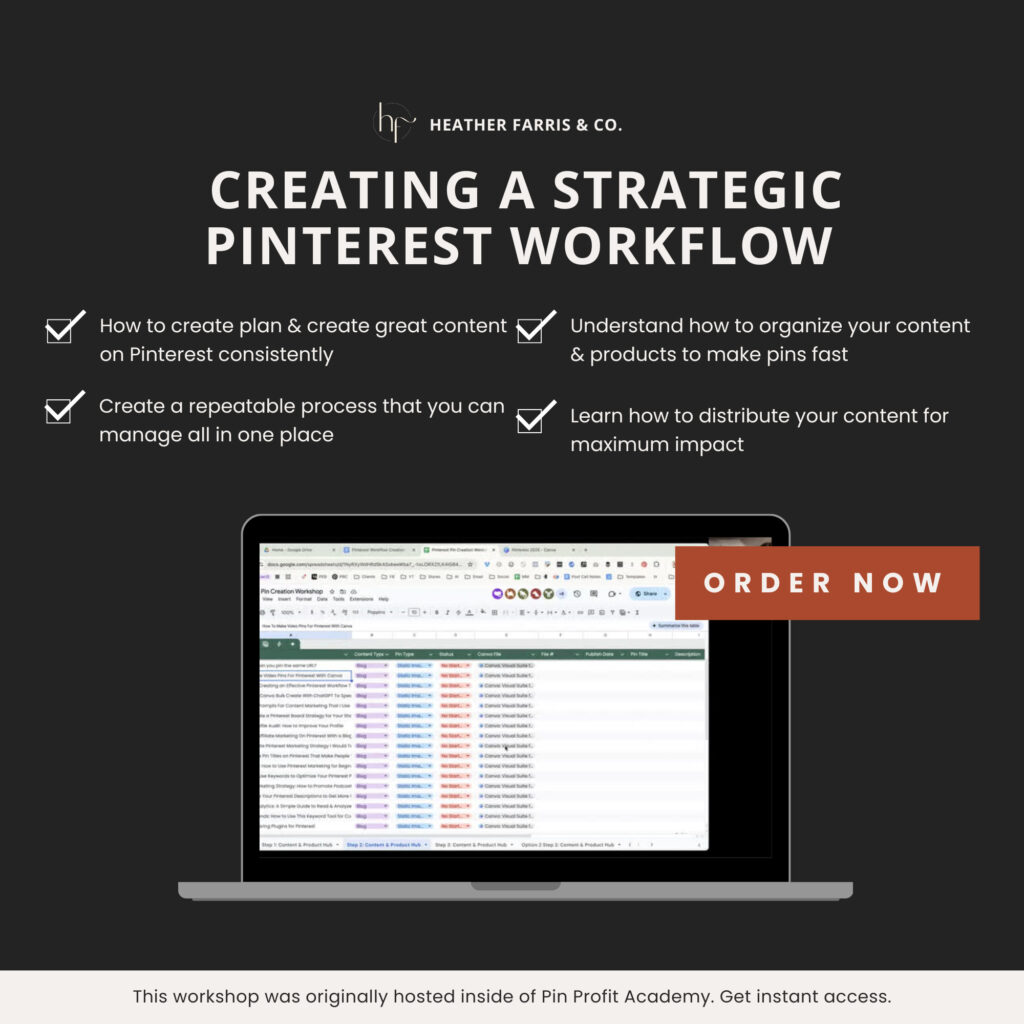
How to Pin Consistently with a Strategic Pinterest Workflow
Built for Pinterest managers, digital creators, coaches, and virtual assistants, this all-in-one bundle gives you everything you need to confidently plan, create, and schedule your pins without overthinking or reinventing the wheel each month.
Create quality visuals
Pinterest is all visual so make sure you’re creating pins that people want to interact with, draw their attention, are clean, and make viewers want to click. When people engage with your pins through saves, clicks, likes and comments, then this tells Pinterest they should show your content more often.
If you’re not a graphic designer, don’t worry, just jump into Canva and create some pins using their templates. It is so easy to create designs now no matter what your experience. Don’t be afraid to go off brand or refresh your designs if your current pin style just isn’t driving the clicks you’d like to see.
RELATED: How to Create Pins for Pinterest in Canva: An Image Workflow to Save Time
Use keywords properly
This wouldn’t be a Pinterest marketing guide if I didn’t tell you this important PSA. Don’t stuff keywords into your descriptions! This isn’t new information but for some reason I still see bloggers and creators doing it.
Please stop writing your descriptions like this:
Lorem ipsum dolor sit amet, consectetur adipiscing elit, sed do eiusmod tempor incididunt ut labore et dolore magna aliqua. At volutpat diam ut venenatis. Keyword here | Keyword here | Keyword here | Keyword here | Keyword here
Don’t do that! It’s tacky and the algorithm knows better. Pinterest pin descriptions can now have up to 800 characters, so you can work in 5 -10 keywords. But write them in naturally, just like with your blogging and social media posts. Not as stuffed in afterthoughts.
RELATED: How to Increase Pinterest Pin Clicks With a Strong Keyword Strategy
Using seasonal trends
Pinterest provides yearly predictions of popular content topics that are 80% accurate. Plus, you can access free trends data at any given time to capitalize on anytime during the year, not just specific holiday or seasons.
Use applicable keyword trends that accompany your own personal content topics and work them into your marketing and content strategy 90+ days in advance. This should be part of your regular marketing practices and can increase your traffic dramatically just because you ride the trend waves at the best time.
RELATED: How to use Pinterest Trends with the New Updates
Pinterest marketing guide beginning steps
Now we are going to move onto the newest pinning options that are the most effective in supporting your content and marketing strategy growth on the platform. Lastly in your Pinterest marketing guide, we’ll cover video pins, product pins, and promoted pins.
Create video pins
Video is king and that’s no exception on Pinterest. It’s everywhere on this platform now and they are really pushing video pins. Video pins can come in all shapes and sizes and be extremely short or long.
- Repurpose your Instagram reels
- Post your YouTube shorts
- Create Pinterest board videos from inside the app
Something to remember with video though, is it’s hard to find the link to leave Pinterest with video pins. So if you use video, you may want to use it as an audience or engagement builder, then use strong calls to action to bring them to your profile, and ultimately to your domain.
RELATED: How to Make Pinterest Video Pins in 3 Easy Ways (No Filming or AI)
Add product pins
This may be obvious, but you’d be surprised how many clients I have that sell things and don’t put them on Pinterest! Pinners are looking for your solutions and your products could be the transformation they need in their life.
Put your products on Pinterest! Even if they are as small as labels you sell for $2. This goes for all direct sales reps and affiliate marketers. Send pins straight to your shops and sales links.
RELATED: Pinterest For E-Commerce: Pinning Tactics for Product Sellers
Start promoting pins
When you have a successful organic funnel or offer converting, you’re seriously missing the boat on sales and leads by not getting it into promoted pins campaigns. I have ran some really amazing campaigns and gained new leads for as little as $0.92 cents each!
My favorite campaign was one I turned on before a vacation and it ran for 6 weeks. I spent $109 on ads and made $499.99. Quite memorable. I was in shock when I was on the trail and kept getting notifications of people buying my product from my promoted pins.
RELATED: How to Create a Pinterest Conversion Campaign (Step by Step Tutorial)
After the Pinterest marketing guide …
If this Pinterest marketing guide has been helpful for you, come join our membership community inside of Pin Profit Academy. Inside is everything you need from getting started as a Pinterest marketer, all the way up to a seasoned expert of the platform. Everything you need to support your small business on Pinterest.
- Content strategy and organic pin creation
- Schedule tools and data analysis
- Community coaching call and personal Q&A
- Project setups and turnkey workflow systems
- Design templates and marketing hacks
- Paid campaigns setup and promoted pins education
- AI prompts and research bots designed for you
This isn’t just for bloggers. It’s for content creators, e-commerce sellers, or service providers like me. Most everyone’s audience is also on Pinterest, they just don’t know that Pinterest is where buyers already are in most cases. So come join us inside and we’ll see you there!

Pin Profit Academy
Marketing can be difficult and trying to figure it out on your own, especially with Pinterest, can be overwhelming.
I will show you how to double your traffic and sales without spending another minute on social media!
PPA is the only comprehensive membership program & community for creating, marketing & selling your products & services using Pinterest.
Pin it for later

Heather Farris went to school for accounting and worked for years in banking and finance. After finding all of that entirely too boring she started her first blog in her basement in August of 2016. She has started 3 blogs in the marketing, motherhood and travel niches and used Pinterest to grow them all. She quickly became the go-to Pinterest strategist in her peer circles and has been implementing strategies, driving traffic and sales through organic and paid tactics for her clients. On this blog and her YouTube channel, as a renowned Pinterest marketing expert, she educates the public about clear and transparent marketing strategies to help them to grow on Pinterest and in other places online. She created Pin Profit Academy and helps small business owners just like you to master their Pinterest marketing strategy. Heather is now a Pinterest Educator, one of the very few sponsored by Pinterest.








Hi Heather,
Great post thank you so much for sharing. I didn’t think to bookmark the Pinterest newsroom to stay up to date! And also have been seeing more videos lately I’ll have to look into 🙂
The newsroom & the insights blog are great ways to see what they are up to. I also like to read the case studies they put out to see if I can adapt those strategies in anyway!
This article is so helpful to know what to do for the future! Heather, you are a wealth of knowledge.